Orders, payments, packing — at a glance
Buyers choose product options and submit their orders on the order page. You can then review orders, track payment progress, and organize packing in Jialo.
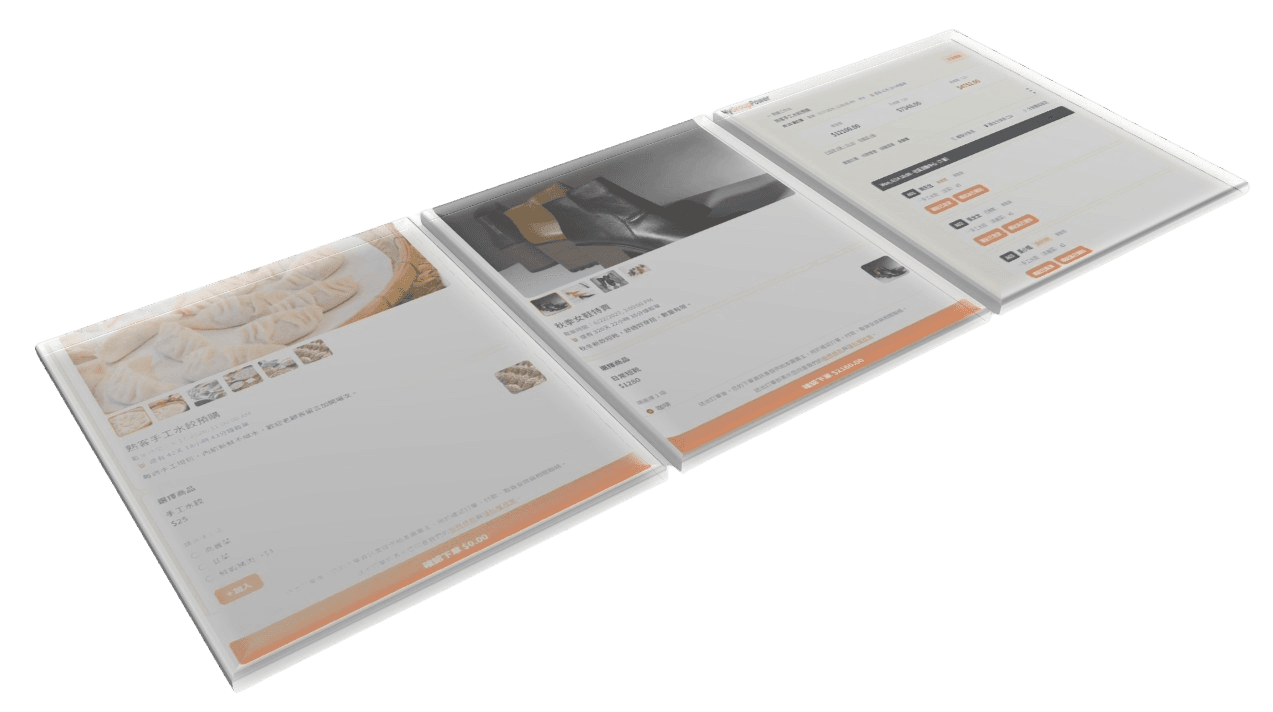

Share an order link so buyers can submit their own orders.
Keep orders, payments, and packing organized in one place.
Taking orders shouldn't mean recording every order by hand.
Orders submitted through your order link appear directly in Jialo, reducing the time spent manually recording and organizing orders.
Buyers choose product options and submit their orders on the order page. You can then review orders, track payment progress, and organize packing in Jialo.
Share order links with your community or regular customers and collect each group buy's orders in one place.
Collect buyers' product and option requests, then organize purchasing in one batch.
Take preorders for meals, baked goods, or handmade foods and keep items and quantities organized.
Collect members' orders, then organize and purchase everything together.
Collect preorders or limited-item orders and track payment and packing progress.
Make your next round of orders
easier to manage from the start.
Keep orders, payments, and packing organized in one place.